
One-time payment · Instant download · No subscription
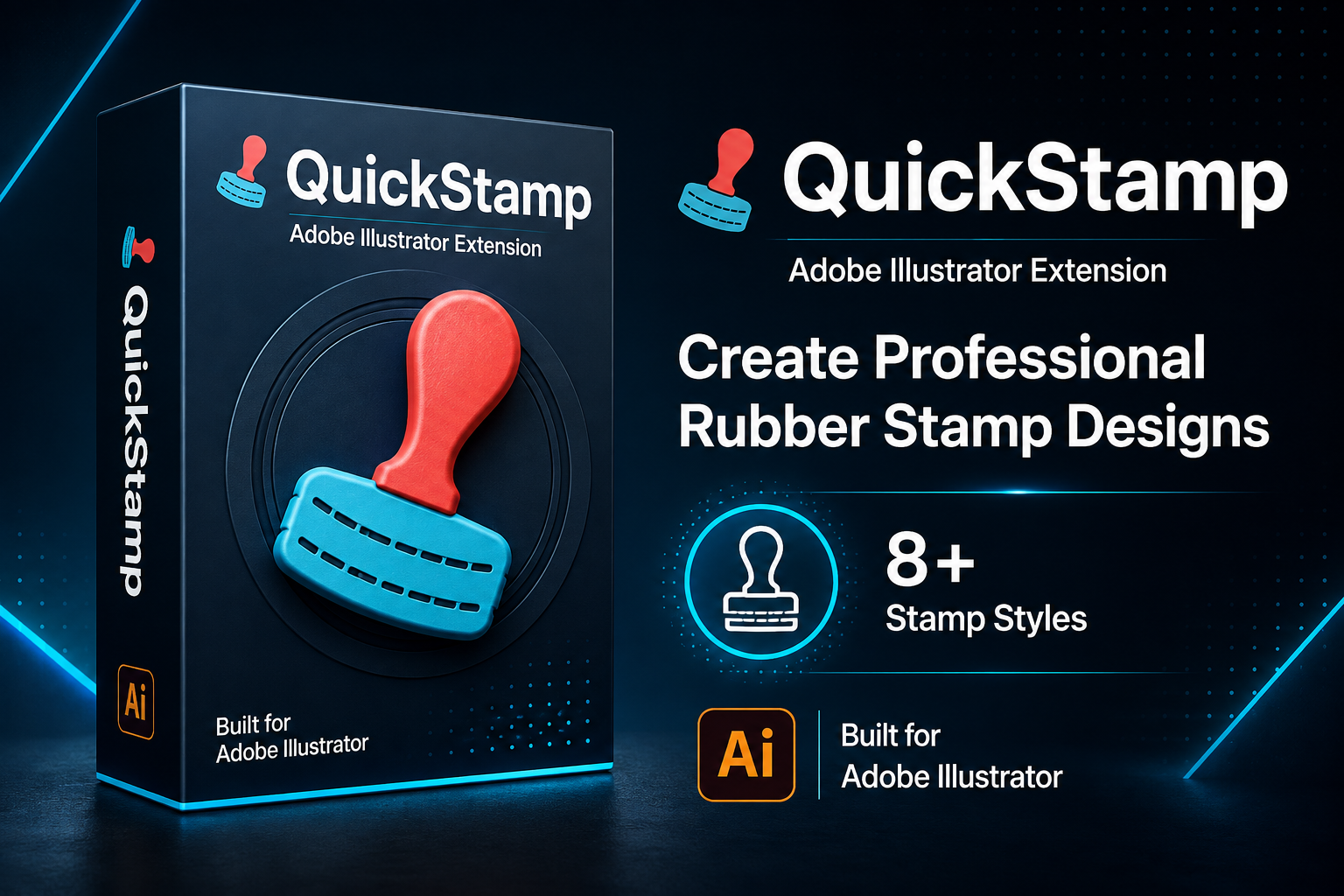
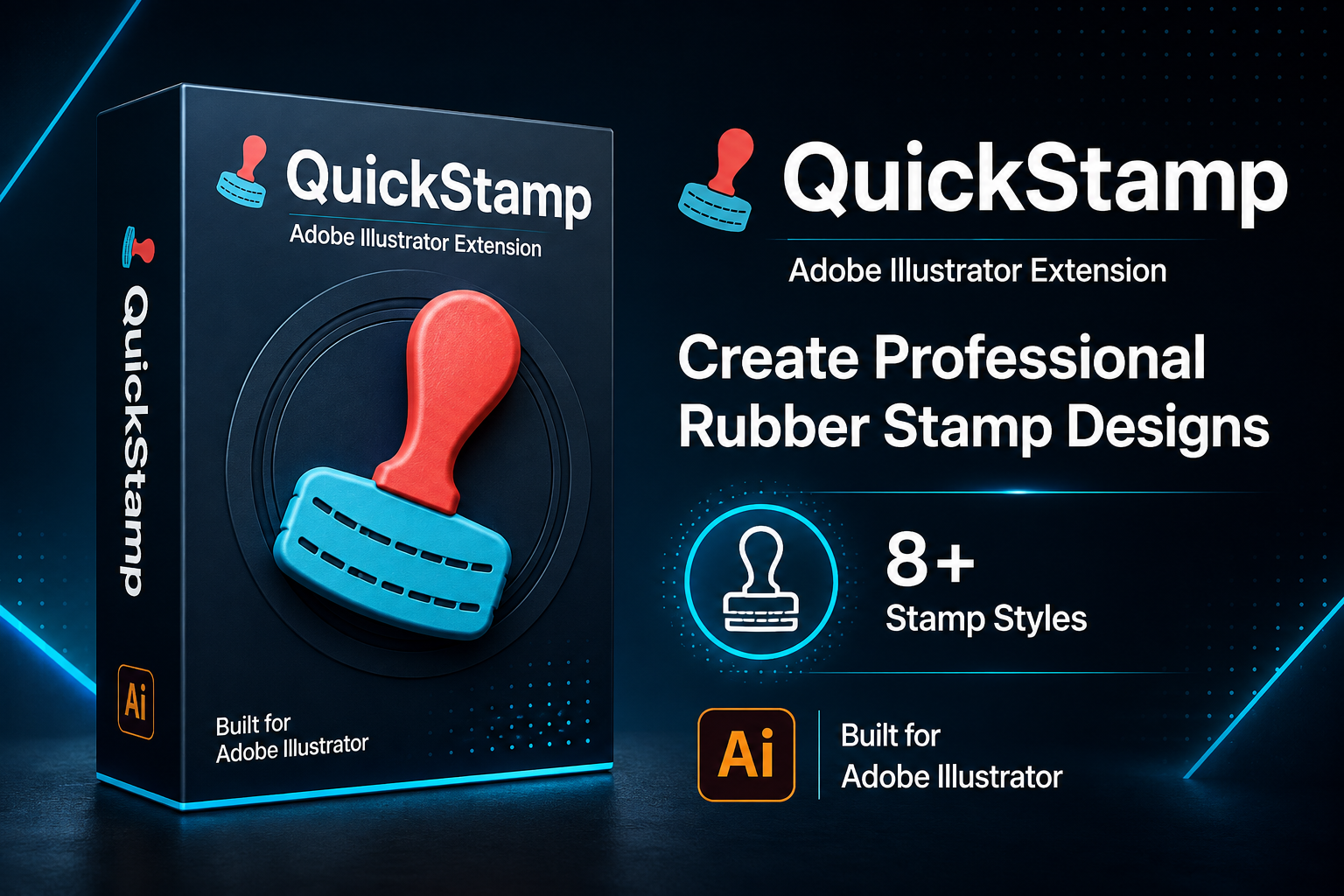
QuickStamp is an Adobe Illustrator extension created for designers and microstock contributors who want to produce professional stamp-style graphics faster.
Enter your words manually or import a TXT/CSV list, choose one or multiple stamp styles, and let QuickStamp generate and export the designs for you.
Create More. Upload Faster. Build Your Microstock Portfolio.
Reduce repetitive Illustrator work and turn a simple word list into multiple commercial stamp designs through one organized workflow.
QuickStamp is a batch rubber stamp generator that works directly inside Adobe Illustrator. It combines ready-made stamp styles, font controls, design customization, batch processing, and export tools in one extension.
Instead of creating every stamp manually, simply choose your preferred style, enter the required words, adjust the available settings, and click Generate.
QuickStamp includes eight professionally structured stamp styles:
You can select a single style or generate the same words across multiple styles in one batch.
QuickStamp is not limited to the included designs. Create a stamp layout inside Illustrator, keep its replaceable word as live text, and add the artwork as a reusable custom style.
Your saved custom styles appear inside the extension and can be used again with new words and phrases.
01 — Add Your WordsEnter words manually or import a TXT or CSV file for larger projects. |
02 — Choose Your StylesSelect one or multiple built-in or custom stamp styles. |
03 — Generate and ExportQuickStamp processes the selected words and organizes the exported files by style. |
Choose the required output formats and export your generated stamp designs as:
QuickStamp automatically creates separate folders for the selected stamp styles, helping you keep larger projects organized and ready for review.
Use QuickStamp to create stamp-style typography assets for:
Less Repetitive Work. More Upload-Ready Designs.
QuickStamp gives microstock contributors a faster and more organized way to produce multiple stamp design variations inside Adobe Illustrator.
After purchasing QuickStamp, you will receive the extension installer along with clear installation, usage, and special-tip instructions.
Choose a style. Add your words. Generate an entire stamp collection.

Kisori Modern Logo
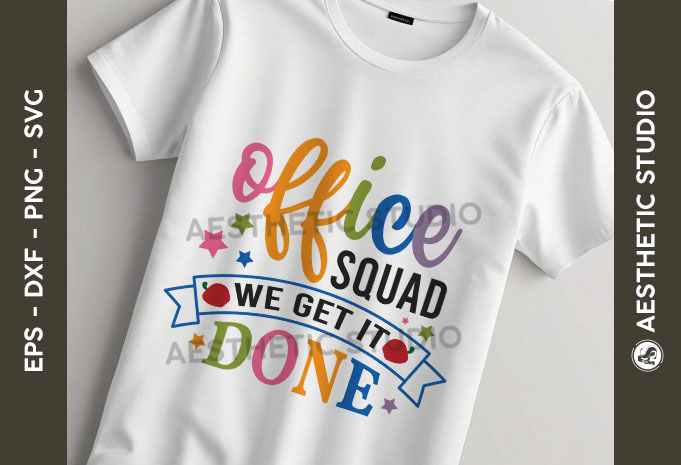
School Office Squad SVG Bundle, Back to School Svg, School Quote SVG, Bag to School Tags SVG, Teach Svg, First Day Of School svg,
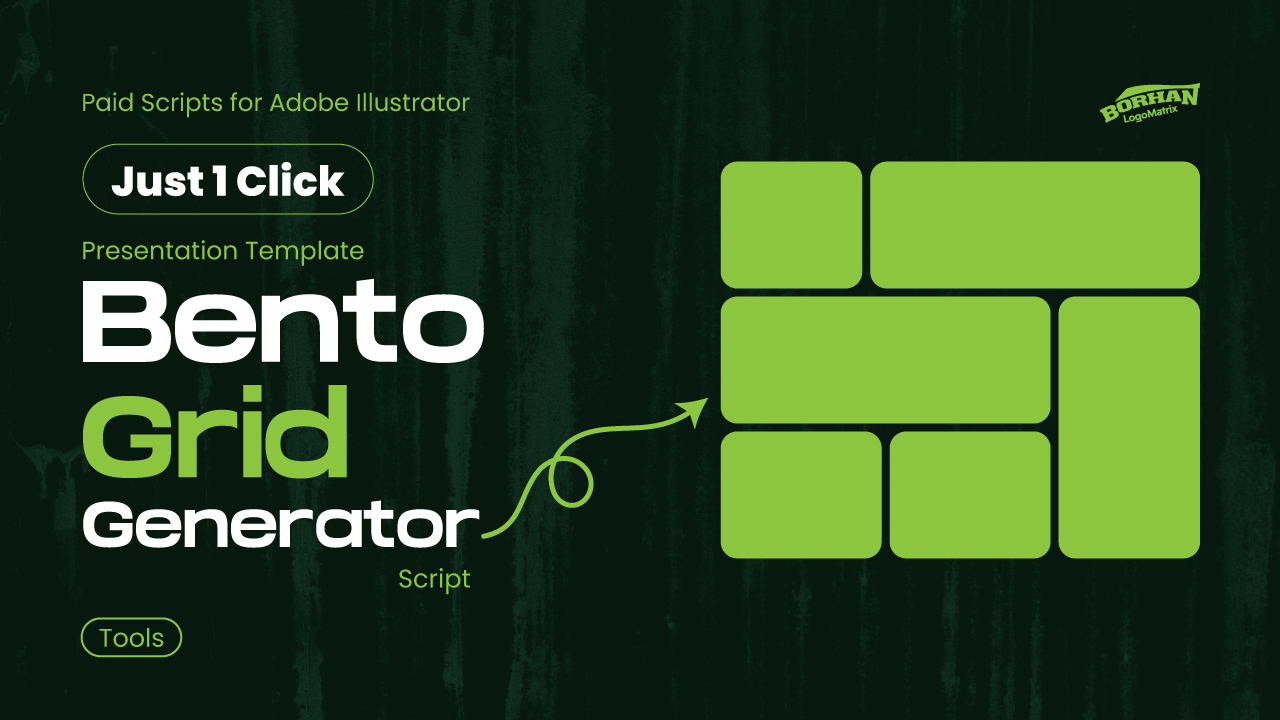
Bento Grid Generator for Adobe Illustrator Script
Cozy Town Logo design