One-time payment · Instant download · No subscription
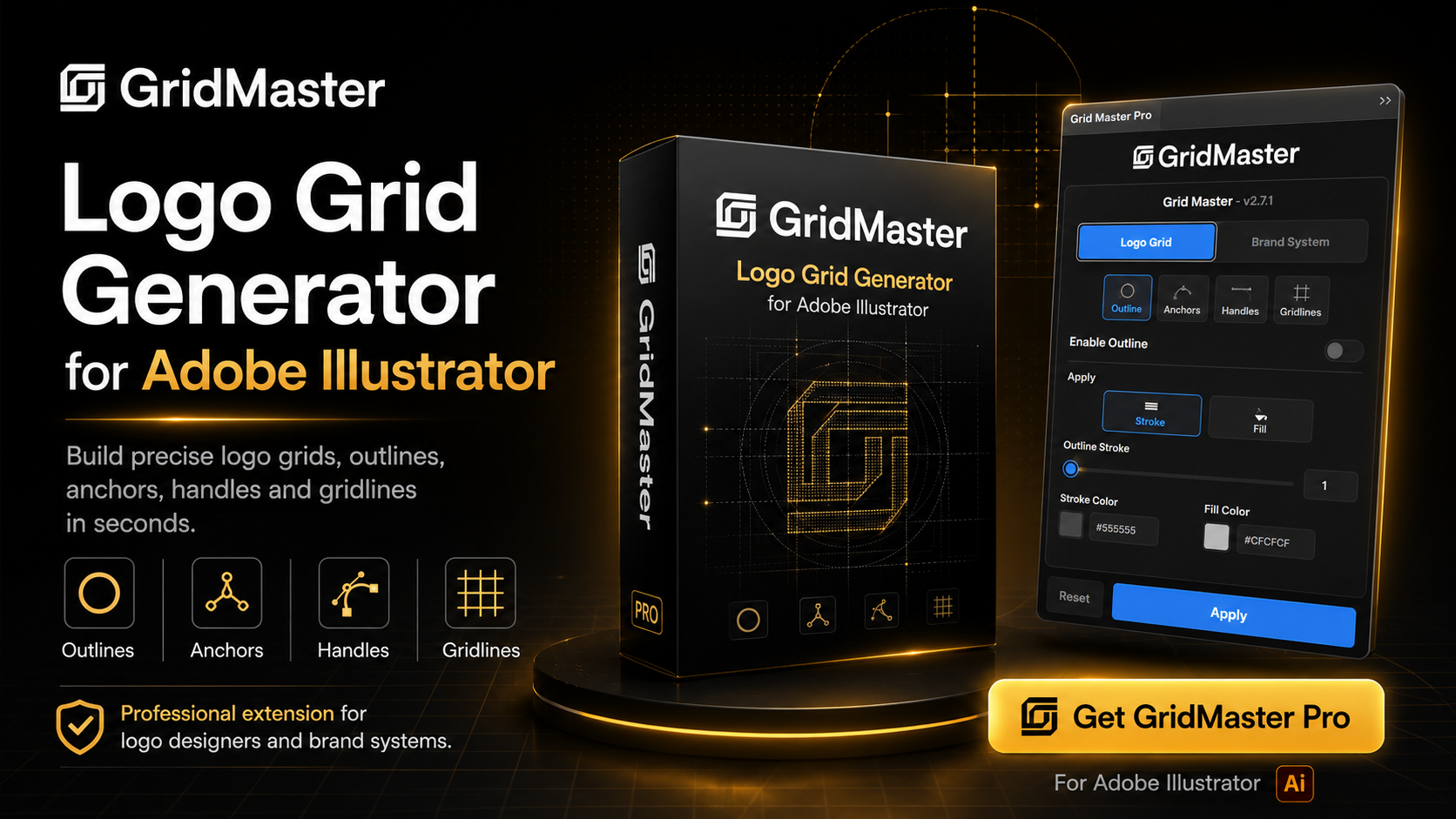
Create professional logo construction grids, display anchor points and Bézier handles, balance logo marks with logotypes, and generate organized brand variations—directly inside Adobe Illustrator.
GridMaster Pro brings essential logo construction and brand-system workflows into one focused Illustrator panel. Instead of manually drawing grids, placing anchor markers, showing curve handles, balancing logo components and preparing multiple logo versions, select your artwork, customize the settings and generate clean, editable results.
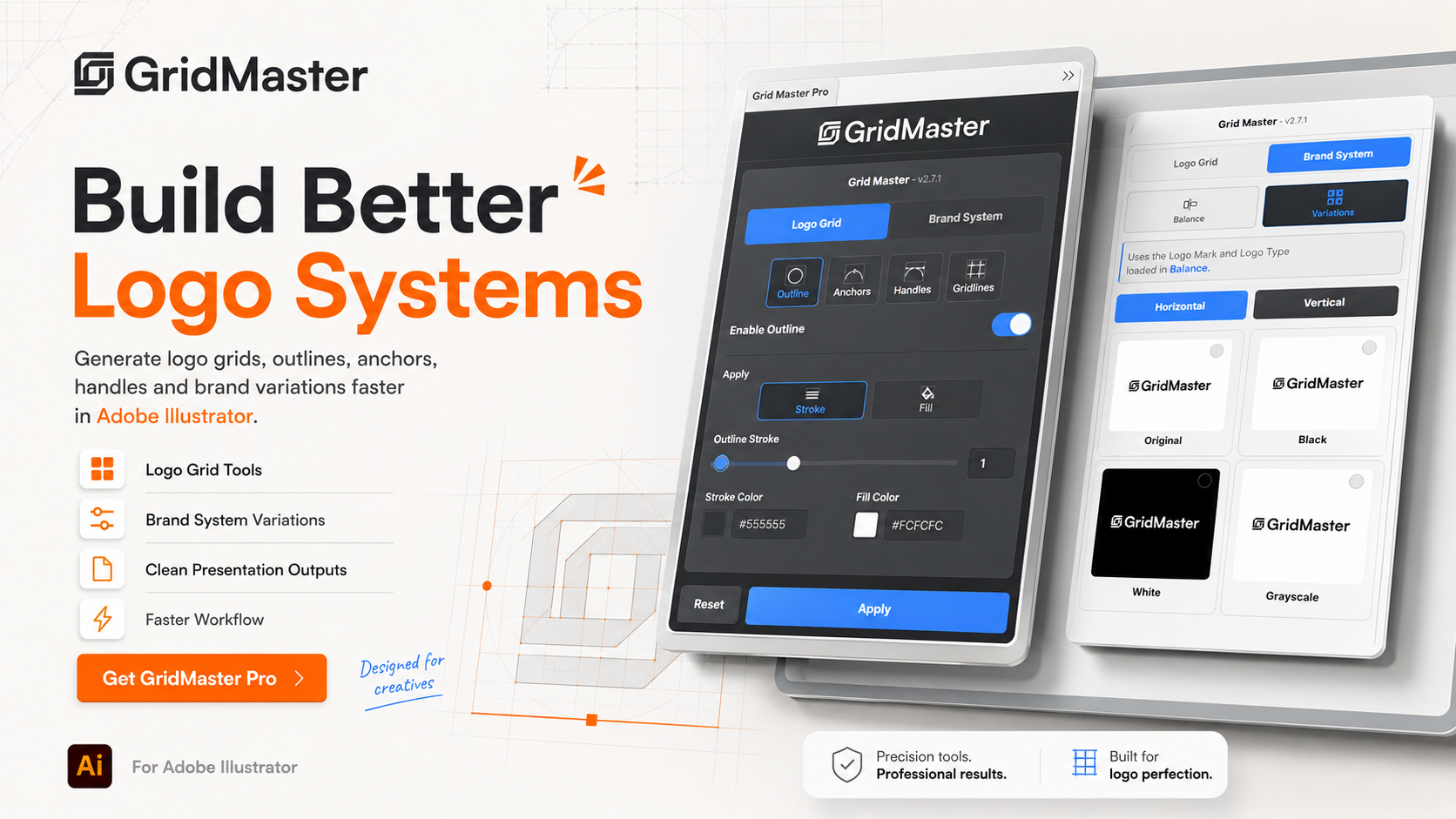
Transform selected Illustrator artwork into a detailed construction presentation using customizable outlines, anchor points, Bézier handles and geometric gridlines.
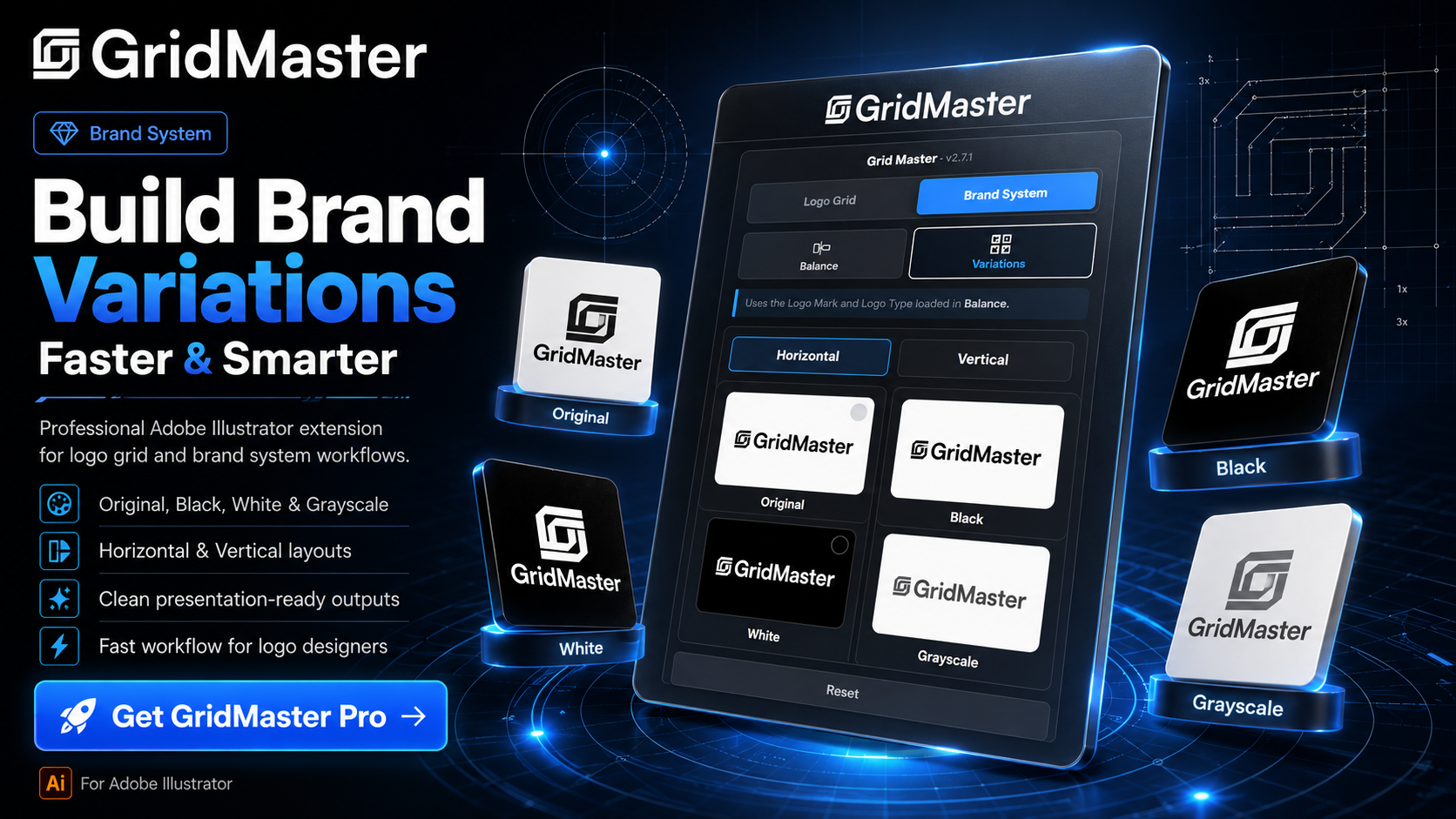
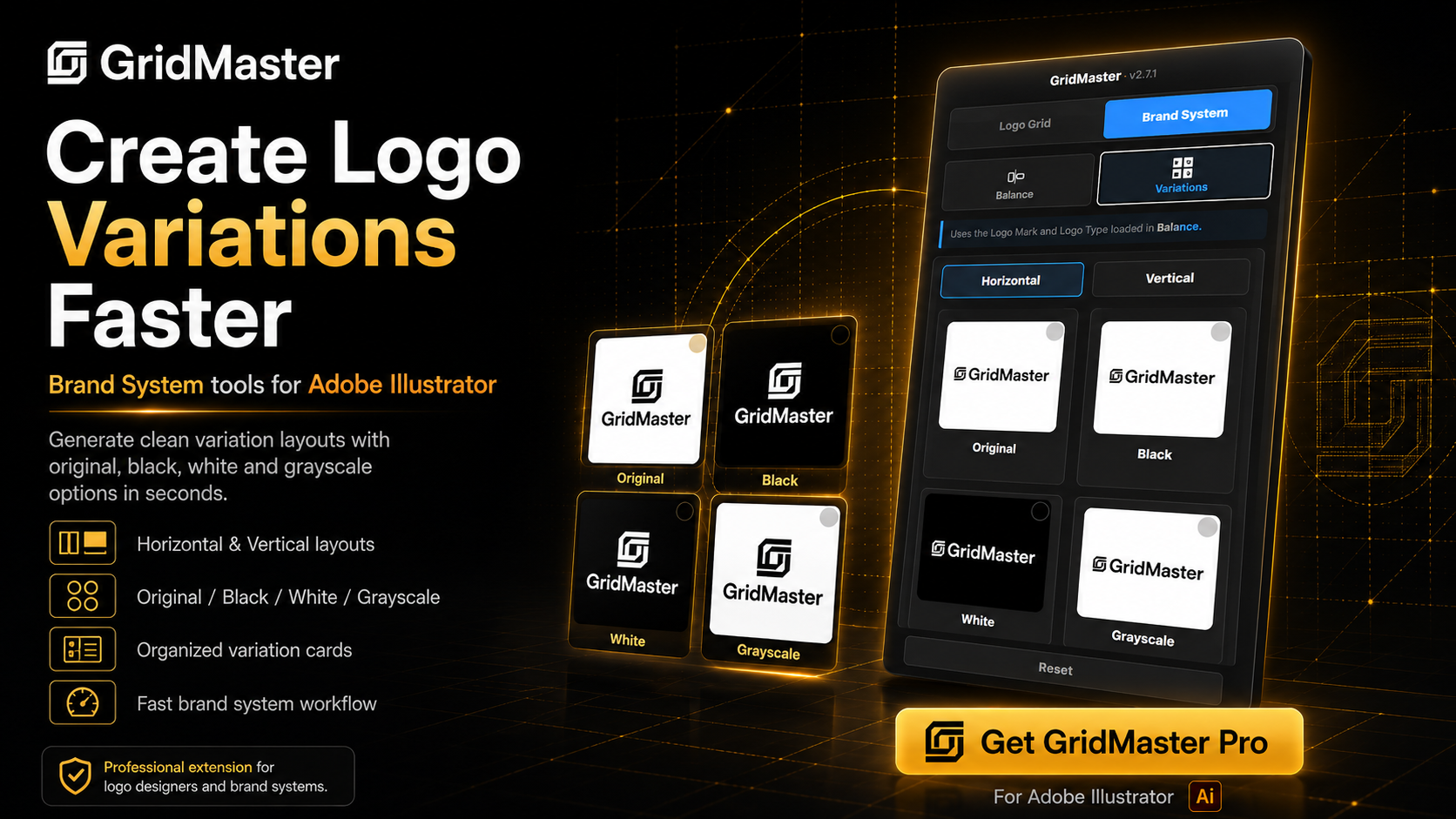
Load your Logo Mark and Logo Type separately, create balanced horizontal or vertical lockups, and generate presentation-ready colour variations.
Create clean outline presentations without rebuilding the artwork manually.
Display the exact anchor points used to construct your vector artwork.
Reveal the control handles behind curved paths and logo geometry.
Generate geometric construction lines that follow the logo structure.
Load the Logo Mark and Logo Type as separate components, create professional lockups and prepare the logo for different backgrounds, formats and brand applications.
Create balanced wide-format lockups for websites, stationery, packaging and presentation headers.
Generate centered vertical compositions for social media, posters, packaging and square layouts.
Control the colour and stroke width of construction guides used in balance presentations.
Select the variations required for your project and generate an organized Illustrator presentation using horizontal or vertical logo layouts.
Custom variations allow independent Logo Colour and Background Colour settings.
Review colours, sizes, shapes and line styles before creating the final result.
Generated artwork remains organized and editable inside Illustrator layers and groups.
Create consistent variation outputs with controlled size, padding, spacing and columns.
Clear managed output and restore the working source when testing different presentations.
Professional logo designers · Brand identity designers · Graphic designers · Freelancers · Creative agencies · Design studios · Portfolio creators · Logo design educators · Brand guideline designers · Content creators
Turn repetitive logo construction and brand-variation work into a faster, cleaner and more professional Adobe Illustrator workflow.
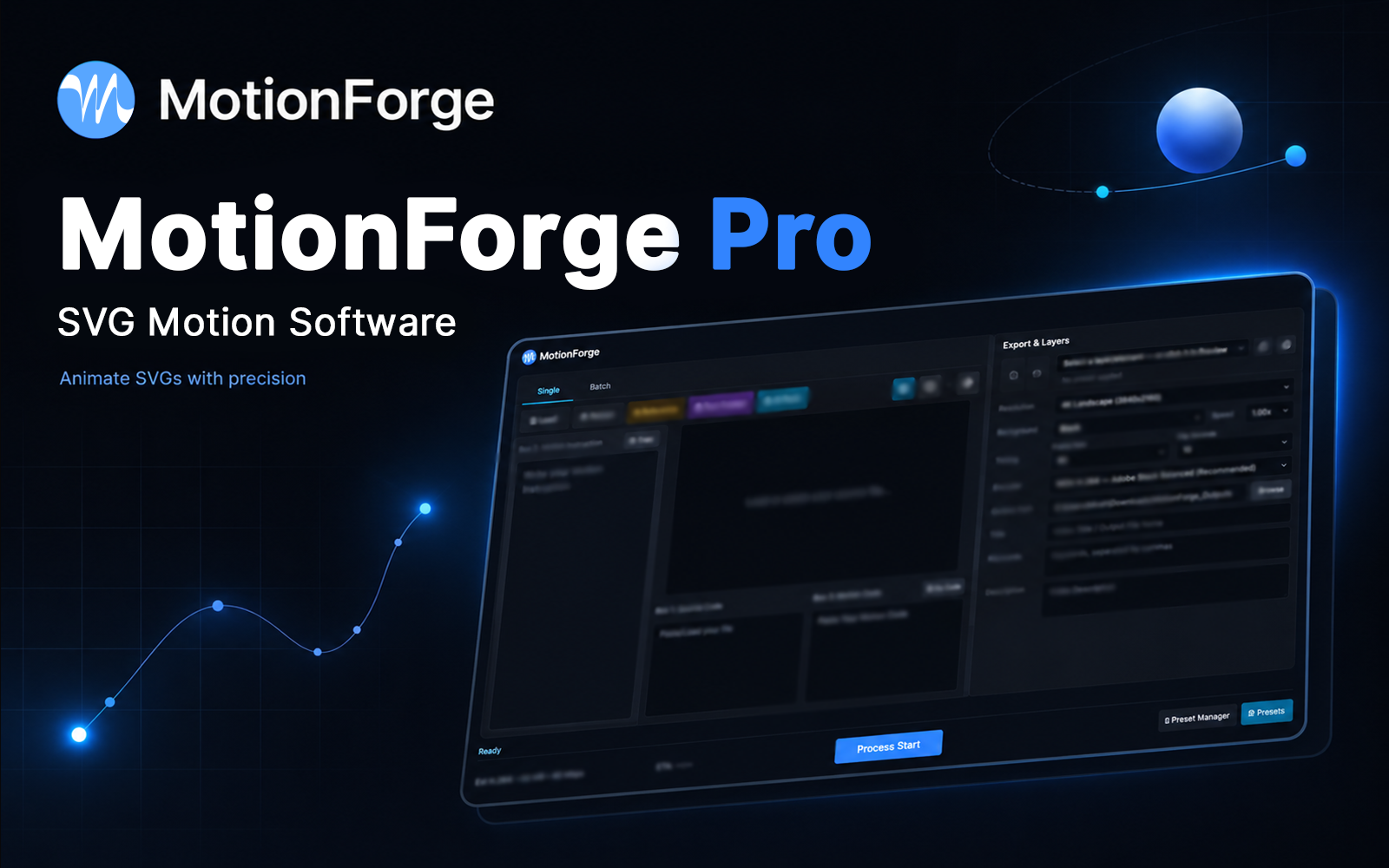
Motionforge Pro svg motion rendering software
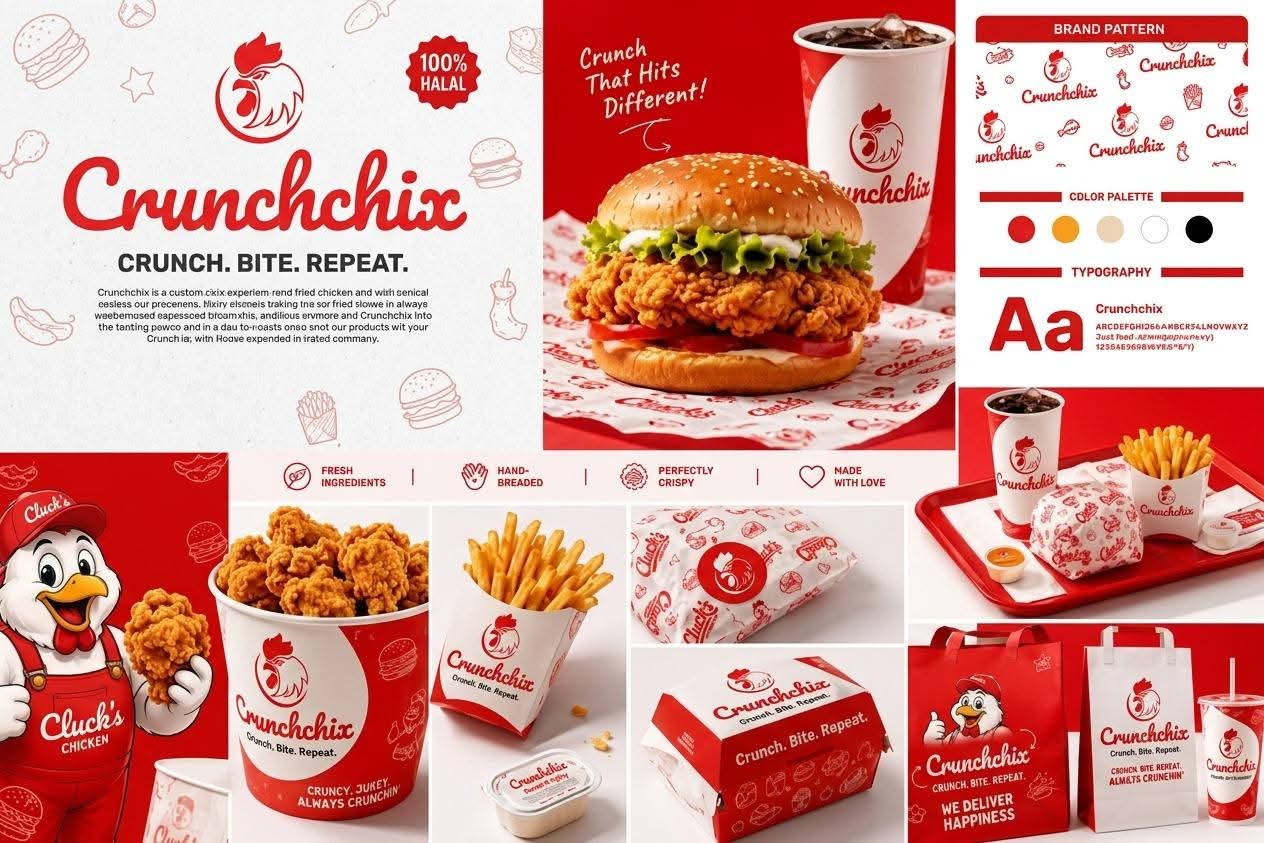
Chicken Logo
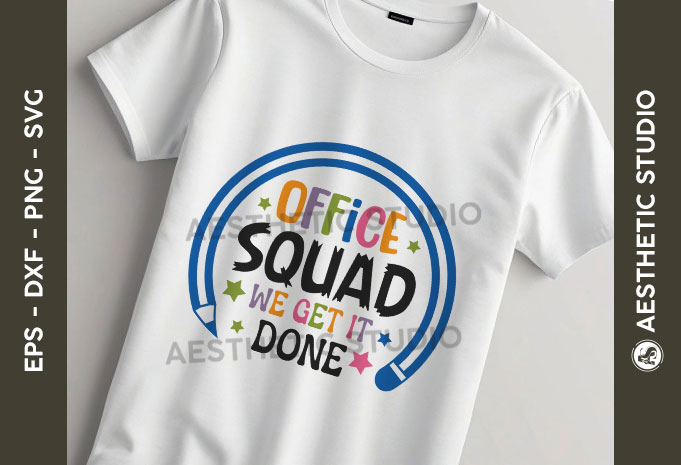
School Office Squad SVG Bundle, Back to School Svg, School Quote SVG, Bag to School Tags SVG, Teach Svg, First Day Of School svg, T-shirt Design,
Premium Garments Packaging Kit